FDFmod 1.0 for ARMA 2 + Operation Arrowhead and ARMA 2: Combined Operations
How to install (retail version)
1. Make sure you can run ARMA 2: Combined Operations. For instructions on how to combine ARMA 2 and ARMA 2: Operation Arrowhead prefer to this thread in Bohemia Interactive's forum: http://forums.bistudio.com/showthread.php?t=101214
2. Run the ArmA2_FDFmod.exe (it will take a while to load)
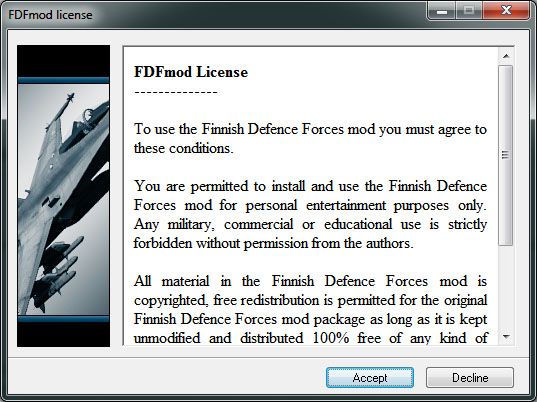
3. Proceed by clicking Accept
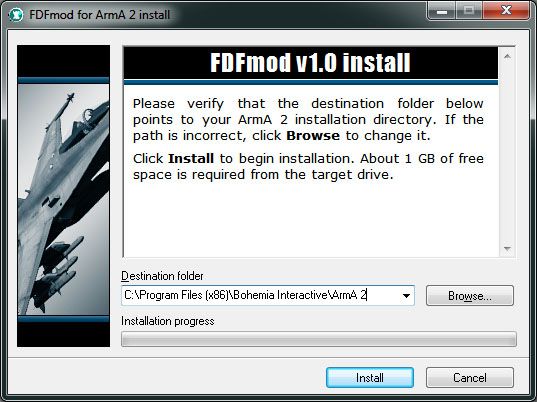
4. Select your ARMA 2 folder. Default folder is shown in the screen capture below. If you have installed ARMA 2 to some other folder click Browse to select it.
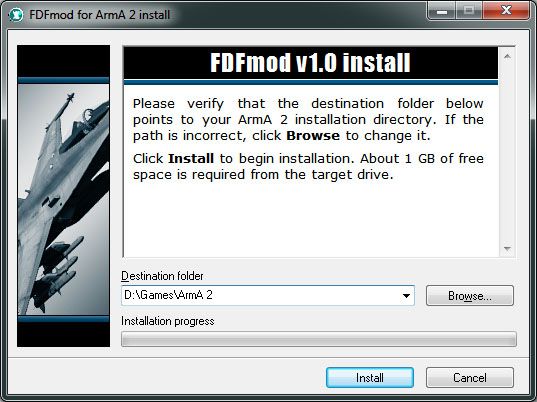
5. For example if you have installed ARMA 2 to D:\Games\ArmA 2, installer should look like this.
6. Click Install and wait for the installer to extract all files. FDFmod readme will open when installation is complete. Readme can be found in your ARMA 2 folder.
7. Start ARMA 2 with Operation Arrowhead expansion (Combined Operations).
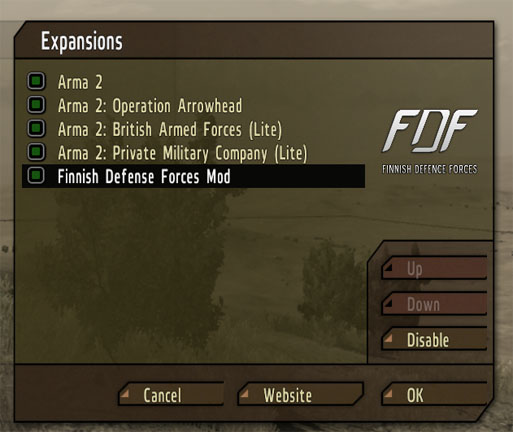
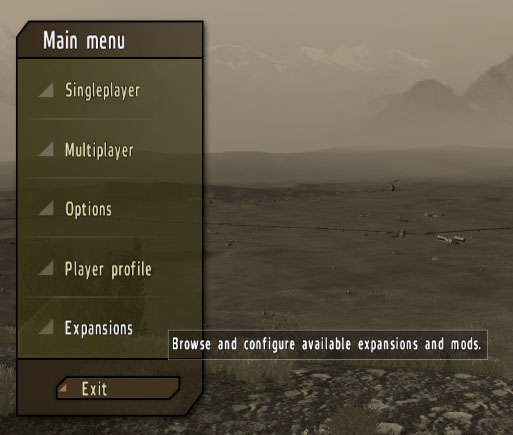
8. Once the game has loaded click Expansions.
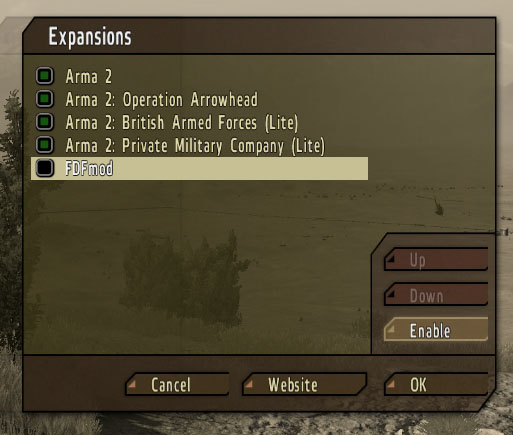
9. Expansions menu will open. Select FDFmod and click Enable.
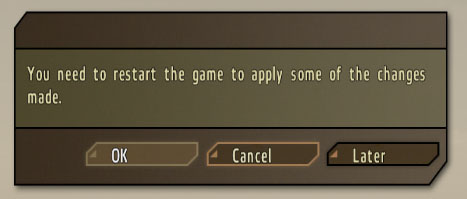
10. You will be prompted to restart the game. Click OK.
11. FDFmod 1.0 is now activated. To disable FDFmod 1.0 go to Expansions menu, select Finnish Defense Forces mod and click Disable. Restart the game when prompted.